How to Turn Calm, Ad-Free Screen Time into Real-World Learning

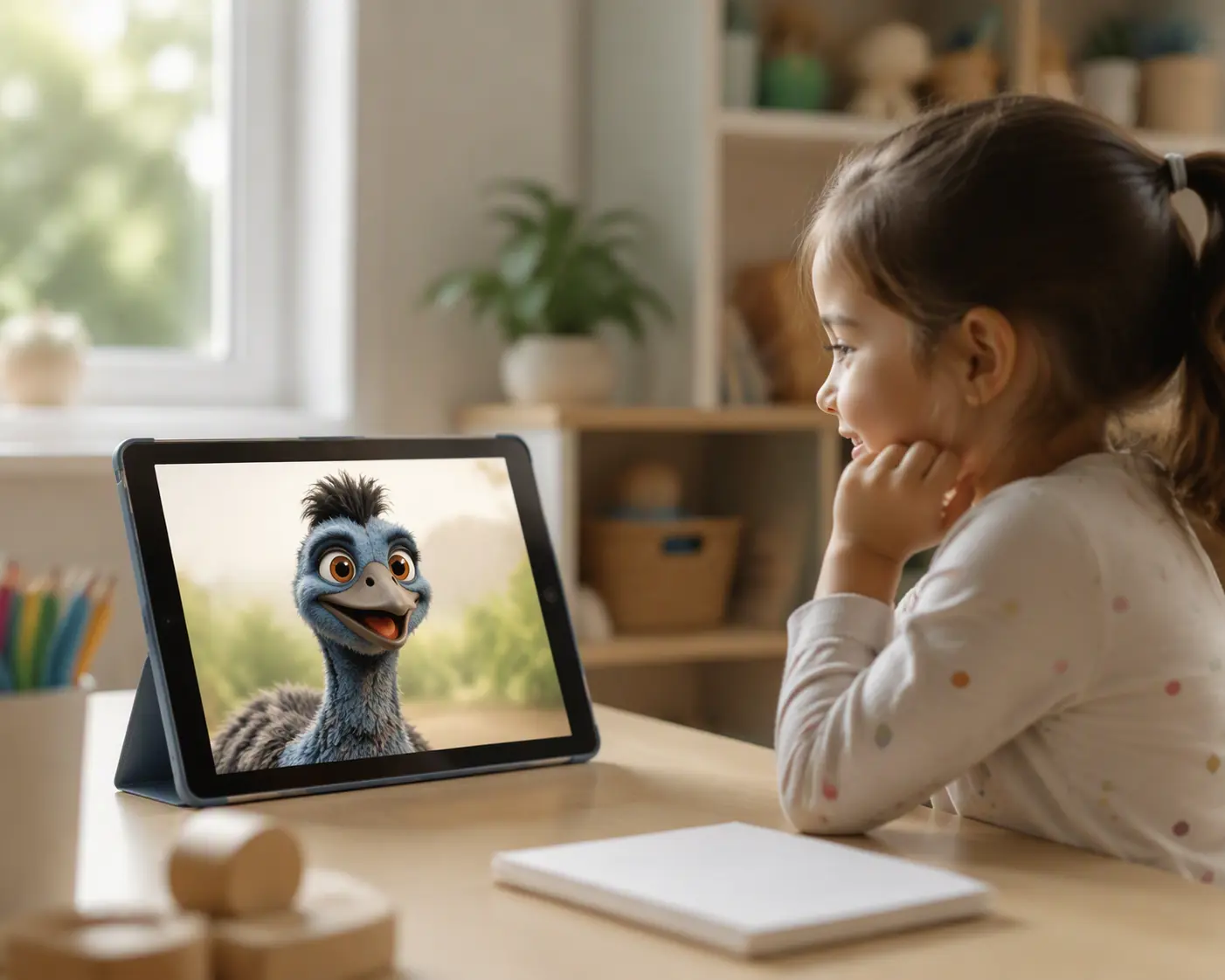
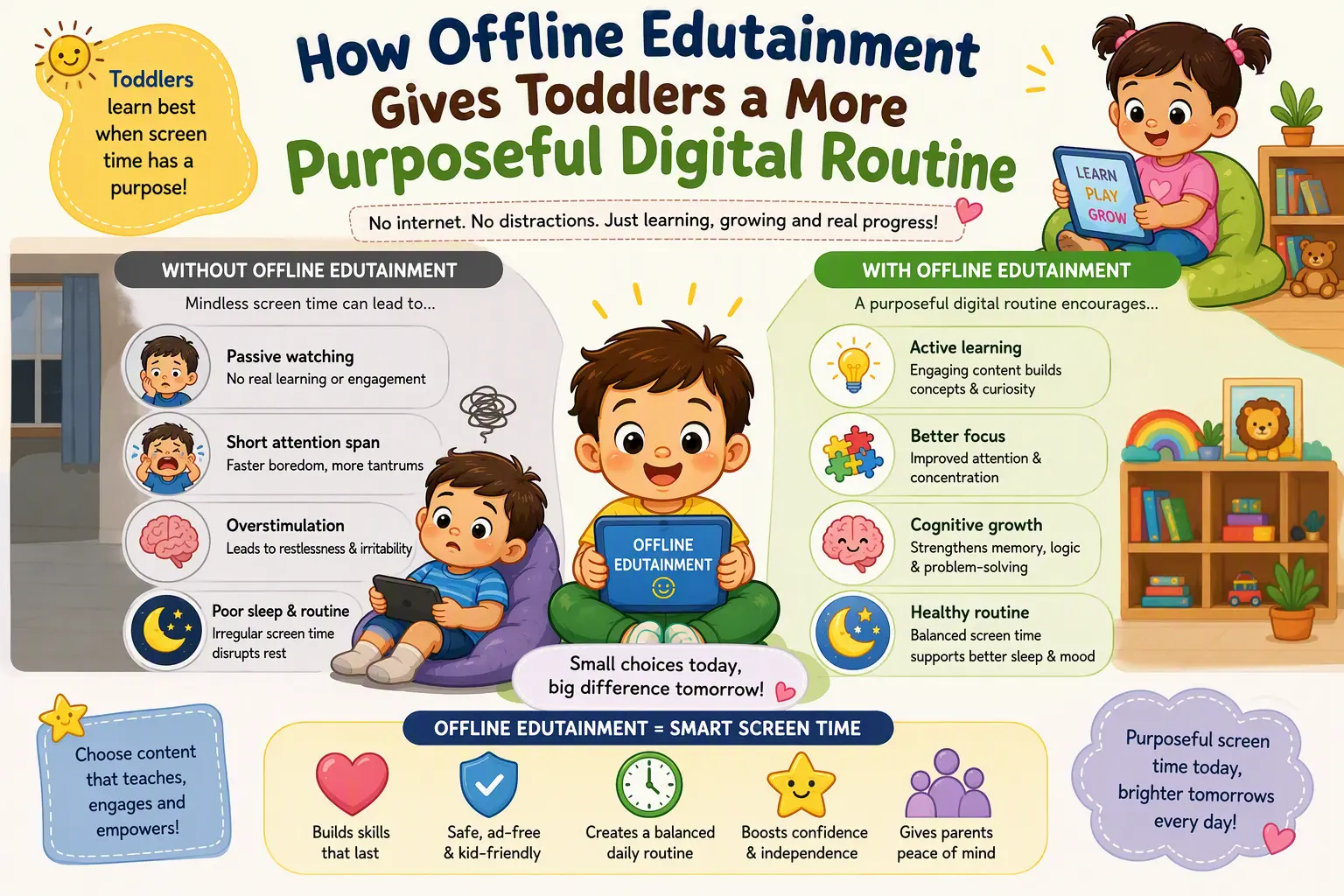
For a young child who uses screens, a calm, ad-free educational activity can be a better choice than a game built around pop-ups, purchases or endless rewards. The biggest benefit comes when the activity helps a child practice a skill they can use away from the screen. Here is how to choose digital learning with that goal in mind-and how to tell whether it is working for your child.
Choose a skill, not just an educational label
“Educational” on an app listing does not tell you what a child will actually do. Before handing over a device, decide on one small skill to practice: matching shapes, counting objects up to five, recognizing a familiar letter or following a two-step instruction. Then try the activity yourself. Does the child have to think, make a choice and see what happened? Or can they tap anywhere and receive the same cheerful reward?
A useful activity lets children try again without making a mistake feel like a failure. If a child selects the wrong shape, for example, a clear visual cue and another chance are more helpful than a loud buzzer followed by an automatic answer. The right level matters too: a child who is still learning to count three objects does not need a timed race to twenty.
Keep the learning task separate from the sales pitch
Young children cannot be expected to evaluate a promotional message as an adult would. When an activity interrupts a counting game to promote another game, the child has to switch from learning to deciding what to tap next. An ad-free option removes that particular interruption, making it easier for the adult to understand what the child is engaging with.
Still, “ad-free” is only one question to ask. Check for in-app purchases, links to outside content and requests for personal information. If you want an offline activity, test it with Wi-Fi and mobile data turned off before a trip or a quiet play session. Offline access does not, by itself, prove that an app collects no data; its privacy information deserves a separate look.
Connect one screen activity to something a child can touch
The most useful test of digital learning happens after the device is put away. If your child sorted colors on screen, invite them to sort socks from the laundry. After an activity about shapes, look for circles on a plate and rectangles on a cereal box. If they practiced counting, ask them to put four blocks into a basket-without turning it into a quiz they must pass.
These small connections help an adult see whether a child recognizes an idea outside the app. They also turn a digital activity into a starting point for conversation and play. The American Academy of Pediatrics advises adults to choose high-quality media and engage with young children as they use it in “Media and Young Minds”. Its report “The Power of Play” emphasizes the importance of playful, hands-on experiences for development. A screen activity can introduce a concept; a child needs opportunities to explore it in the world around them.
Watch what the child does, not just what the app reports
Stars, scores and completed levels can show progress within an app, but they do not necessarily show understanding. Watch for signs that your child is making sense of the task: Do they pause before choosing? Try a different approach after a mistake? Name a shape when they spot it later in a book? Those observations are more useful than a perfect score earned by rapid guessing.
When an activity becomes too easy, extend the idea away from the device rather than assuming the child needs more screen time. A child who matches pictures of animals might group toy animals by where they live. If an activity is too hard, sit together and name what you notice: “There are three ducks. Let’s count them slowly.” Calm digital learning works best when it leaves room for that kind of response, instead of rushing a child to the next level.
Make room for different ways to learn
Children do not all approach a new task at the same pace. One may want to hear instructions twice; another may understand better after watching an adult demonstrate. Look for activities with clear images, understandable directions and enough time to respond. If sound is essential, check whether it is audible and comfortable at a low volume. If the task depends on reading, make sure an adult can help a child who is not reading yet.
A child who walks away, grows upset or repeatedly taps at random may be telling you the activity is not a good fit today. That is useful information, not a reason to push through. Try a simpler task, join in for a few minutes or switch to blocks, drawing or outdoor play.
Next time your child uses a learning app, pick one skill to notice and one playful way to try it afterward. A calm, ad-free activity earns its place when it gives a child something worth exploring beyond the screen.